The useful display is the one that keeps your actual applications readable at your normal distance. Test that setup before choosing by refresh rate alone.
Start here
You spend the day looking at text, yet monitor comparisons often begin with refresh rate. Start with your editor, normal viewing distance and the amount of space you need for two useful windows. This checklist helps you evaluate the screen as a daily work tool before paying for features that may not solve your problem.
Keep native resolution, then adjust scale
Microsoft recommends the display's recommended resolution and explains that lower resolutions can make text less sharp. Use layout or text-size controls to find a readable interface instead of assuming smaller text means more productive space.
Understand the density calculation
Pixel density is the diagonal pixel count divided by the screen diagonal in inches. A 3840 × 2160 display is approximately 163 pixels per inch at 27 inches and 138 at 32 inches. These are calculated geometric values, not laboratory readability scores.
Bring your own work to the comparison
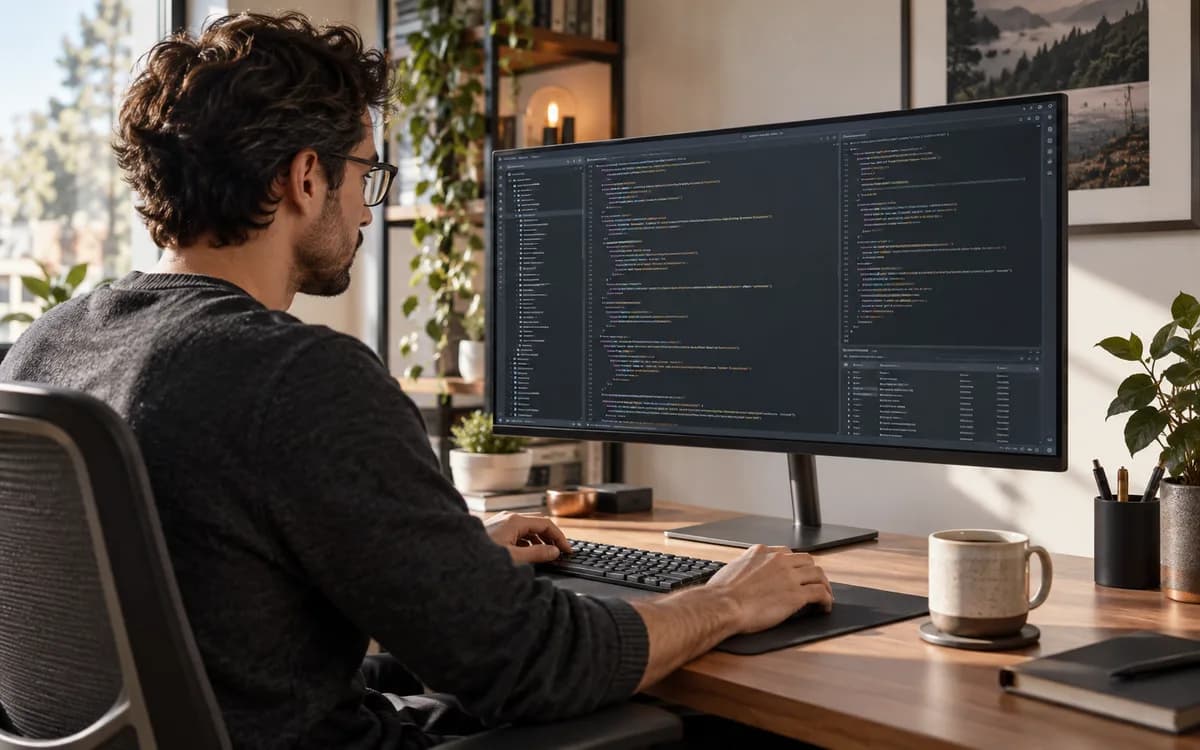
Open your editor, terminal, browser and any application you use all day. Compare both static text and scrolling at your usual distance. A display specification cannot establish your preferred text size or the quality of every application's scaling.
- Check small punctuation and thin font strokes.
- Try your normal light and dark editor themes.
- Inspect scaled UI elements in older applications.
- Confirm that your computer, cable and port support the selected mode.
- Check stand adjustment and the available desk space.
Keep the claim modest
A higher refresh rate may be attractive for motion, but this page makes no medical or eye-fatigue claim. Compare the actual mode you intend to use and current product specifications before buying. This replaces the earlier unsupported top-monitor ranking with a practical evaluation guide.
Try this next
Planning the whole setup? Match your local AI machine to its workload before ordering components. Read Building a local AI PC: check VRAM before buying a GPU.
Sources & further reading
Primary sources checked Sep 12, 2026. Vendor statements are attributed; editorial advice is our own.
- 1
- 2Change the size of text in Windows ↗Microsoft
Help us keep this useful. Send a correction or a primary source →