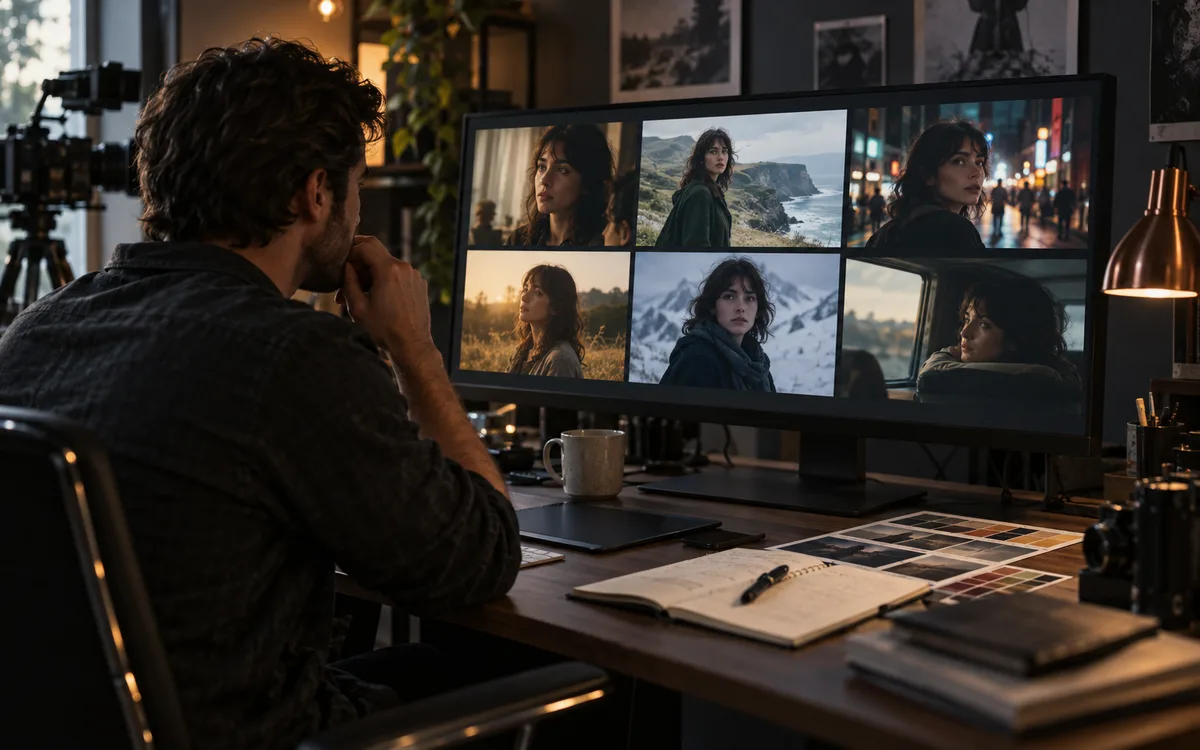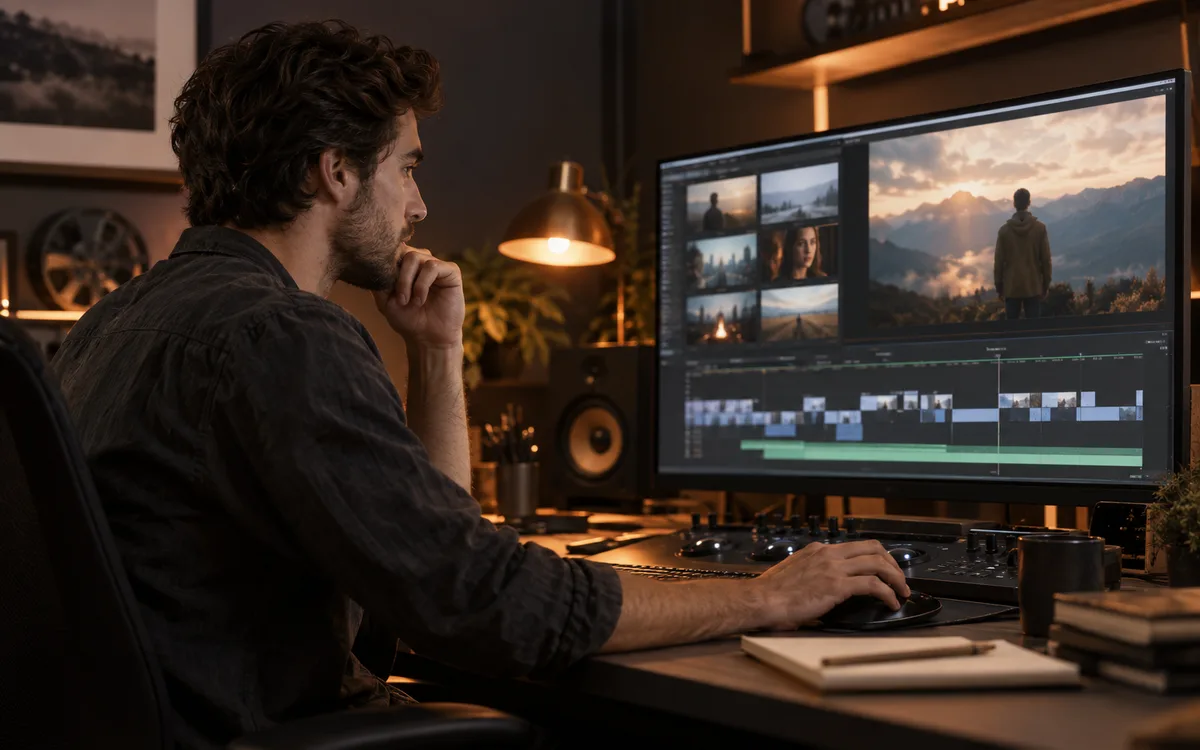
Runway announced Adobe plugins on September 8. The download is free; generation uses your Runway plan and credits.
Start here
The render is ready. Now comes the less glamorous job: getting it into your edit, naming the revision and checking that it matches the sequence. That handoff is the reason to look at Runway's Adobe plugins. Here is what the announcement actually changes, what still costs credits and what to check before using it on a deadline.
What was announced
Runway's September 8 changelog introduces panels for Adobe Premiere Pro and After Effects on macOS and Windows. The company says editors can generate images and video, restyle existing footage and place results in their sequence or composition. The release is listed for paid plans.
What editors can do
The plugin page describes generation, video editing, upscaling and access to existing library assets. Installation covers both Adobe applications. Runway directs users to open the panel through Window → Extensions → Runway and sign in. Duration and resolution depend on the selected model.
Our take: test the handoff first
The useful question is whether the panel reduces the work between a generation and an approved shot. Before using it on a deadline, duplicate a short project and try one complete round trip. This is an editorial evaluation plan, not a claim that we have tested the release.
- Check the returned clip's frame rate, dimensions and color handling against your sequence.
- Record credits charged for the model and settings you actually use.
- Check how revisions are named and stored before handing the project to another editor.
- Keep the original media so a restyle can be reversed.
Free download does not mean free rendering
Runway says the installer is free and generations use account credits. An in-editor interface changes the workflow, not the need to budget for rejected takes. Use your own accepted-shot rate when estimating costs. We have not independently measured plugin speed or output quality.
Try this next
Next, turn one missing shot in your edit into a clear prompt. Read AI video prompts: six examples and a repeatable workflow.
Sources & further reading
Primary sources checked Sep 12, 2026. Vendor statements are attributed; editorial advice is our own.
- 1Product changelog ↗Runway · Sep 8, 2026
- 2
Help us keep this useful. Send a correction or a primary source →