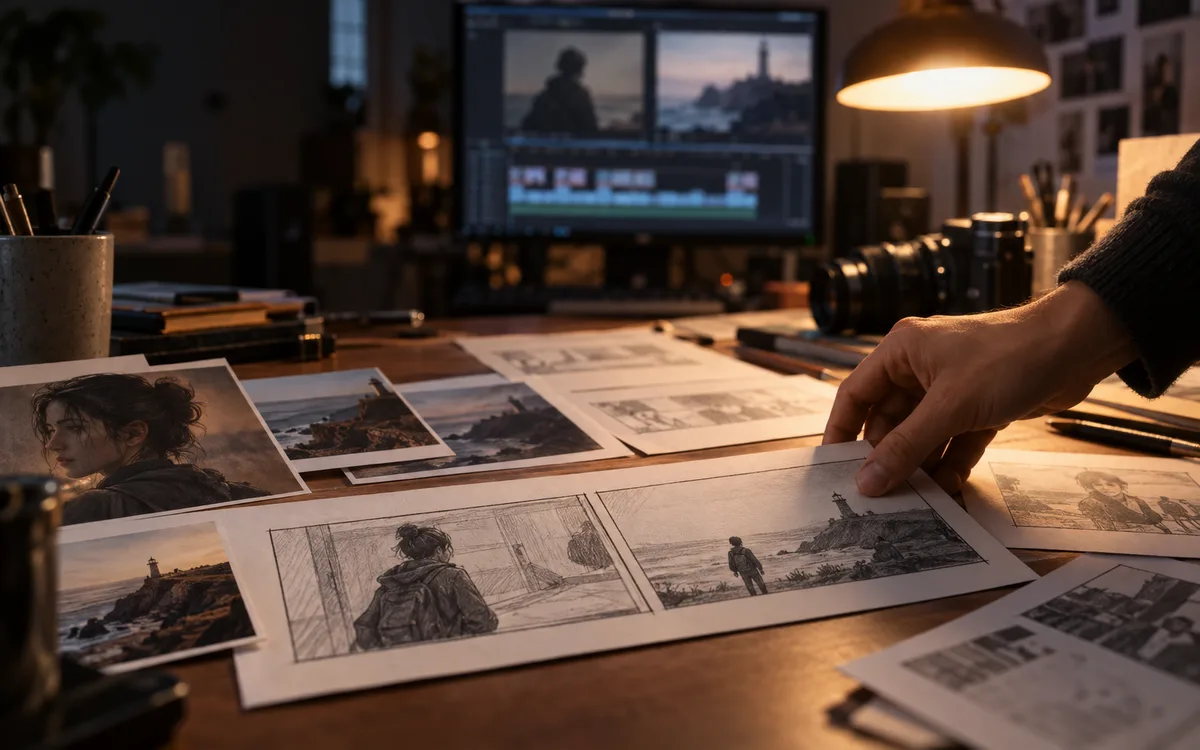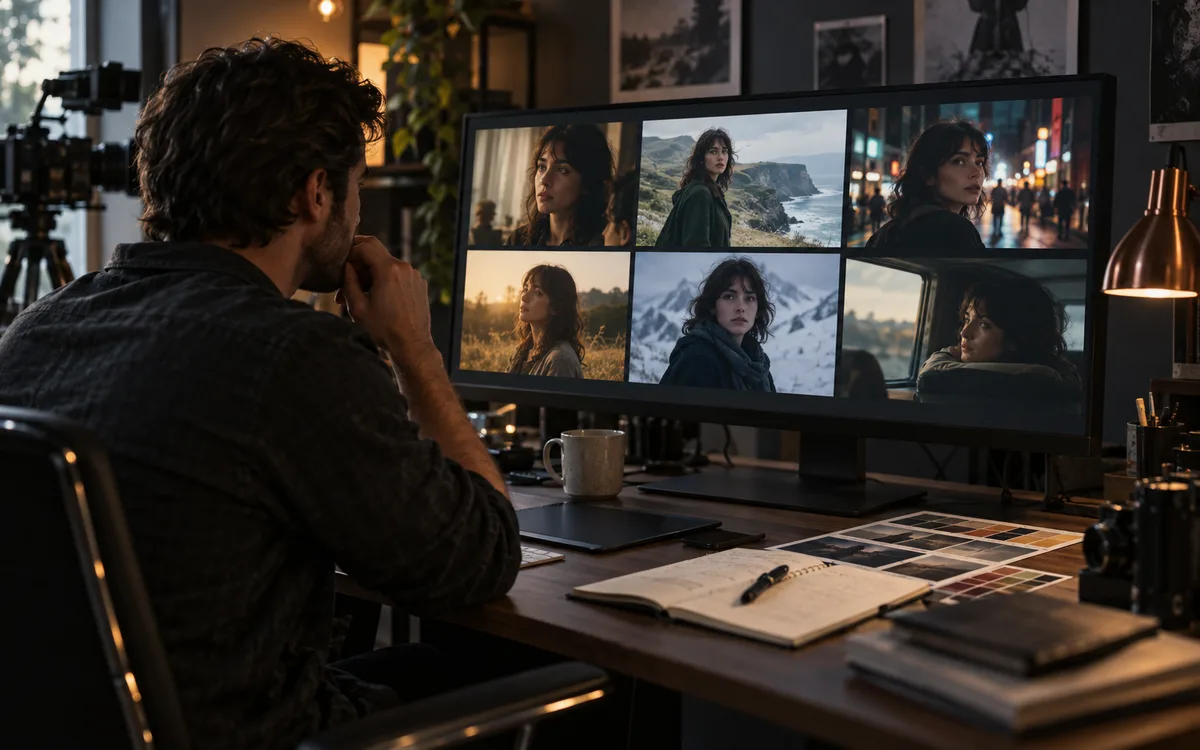
Direct Answer: Choose MiniMax/Hailuo when you need rich physical motion and fluid camera movement from text prompts; choose Seedance when keyframe continuity and storyboard constraints dictate the cut; choose Higgsfield for mobile-first camera templates. If your production requires multi-camera sync or NLE timeline integration, Runway Gen-3/4 remains the industry standard.
Start here
Intended reader: Video editors, creative directors and solo creators deciding where to spend generation credits for a multi-shot project. Practical outcome: A 4-step evaluation sheet to test tools against your actual creative brief before committing to monthly tiers. Three attractive demo reels do not tell you which service will finish your project. Start with the shot you need: a product turn, a character action or a moving background. This guide provides a reproducible selection framework, not a synthetic league table.
Separate the platform from the model
A creative platform can offer several models behind one interface. Runway's plugin documentation, for example, lists multiple video models in the same panel. Compare the selected model version, input mode and output settings; do not assume a result belongs to the platform's own model.
Build a shot brief before a shortlist
Write down the result you need: subject, camera movement, duration, framing and details that must stay stable. A product turntable and a dialogue shot need different controls. Our suggested brief is small enough to use across services without changing the creative goal.
- Input: text only, starting frame, references or an existing clip.
- Delivery: dimensions, duration, frame rate and audio.
- Acceptance: identity, readable details, camera path and editability.
- Constraints: turnaround time, available credits and project usage terms.
- Lock delivery aspect ratio (16:9, 9:16, 1:1) and target duration before generating.
- Separate subject description from background environment in the prompt text.
- Specify exact camera vector (e.g., "dolly forward at steady pace", not "cool camera move").
- Prepare an uncompressed 1080p starting frame for image-to-video runs.
- Enforce a strict 3-take limit per prompt variant before revising the input image.
Keep a fair comparison log
Use the same brief, save the actual input and record every attempt. Inspect the complete clip at delivery size. Log why each rejection failed instead of showing only the best take. A useful record contains model version, date, settings, credits charged and accepted seconds. Without that record, a precise quality ranking is not reproducible.
Calculate cost from accepted footage
Divide generation spend by accepted seconds, then multiply by 60. For an illustrative example, spending $12 across a batch that yields 30 accepted seconds gives $24 per usable minute. This is arithmetic, not a quoted vendor price or measured rejection rate. Include upscaling, editing and audio costs separately. For practical prompt structures and camera directions to try in your next shot, see our companion AI video prompting guide.
Know when to stop rerolling
Decide the rejection budget before a test. If repeated outputs fail on the same critical detail, try a simpler shot, a different input method or a conventional editing step. A model that produces an impressive demo may still be a poor fit for one tightly constrained brief. Compare the cost of solving that brief, not the number of features on a landing page.
Correction to the earlier comparison
This page previously presented sample clips and precise cost and quality claims without adequate provenance. Those benchmark claims have been withdrawn. This replacement is a decision framework informed by linked documentation. We have not established a universal winner among MiniMax, Seedance and Higgsfield.
Use a shortlist with explicit pass and fail rules
Build a small comparison sheet before you pay for several services. Give each candidate the same job and record whether it satisfies the essential requirements. Our suggested columns are: supported input, control needed, delivery format, rights check, observed failure and usable output. Mark unknown information as unknown. A feature mentioned in a platform announcement does not establish that it is included in your selected plan or available through the interface you intend to use.
- For a product shot, prioritize stable shape and a usable opening and closing frame.
- For a character scene, define which visible identity details must survive the motion.
- For an atmospheric background, decide how much variation the edit can tolerate.
| Model / Platform | Primary Input Mode | Camera Controls | Best Suited For | Production Limitation |
|---|---|---|---|---|
| MiniMax / Hailuo-01 | Text & Image-to-Video | Prompt-directed trajectory | Dynamic physical action & complex fluid scenes | Less deterministic end-frame locking |
| Seedance / Kling 1.5 | Image-to-Video + End-frame | Start & End frame interpolation | Strict continuity between established storyboard frames | Occasional morphing on rapid camera rotations |
| Higgsfield AI | Image-to-Video + Motion presets | Pre-baked camera orbits & zooms | Social-first character moves and rapid style testing | Fixed aspect ratios & limited custom NLE integration |
| Runway Gen-3 / Gen-4 | Multi-modal & Timeline Plugins | Motion Brush, Camera Path & Keyframes | Commercial NLE workflows (Premiere / After Effects) | Higher credit consumption per high-resolution render |
Example: plan a short product sequence
Suppose your edit needs an establishing shot, a close detail and a final hero view. Treat these as three jobs instead of one prompt asking for a complete commercial. Draft the camera position, subject action and desired cut for each shot. Then decide which shots actually need generation: a still with a simple editorial move may serve one of them. This example is a planning exercise, not a tested comparison. The point is to spend on the missing footage rather than paying to regenerate material your edit already has.
Track the cost of finishing, not only generating
Alongside generation charges, record time spent selecting takes, repairing defects, upscaling, creating audio and assembling the edit. These costs depend on your workflow; a public credit table cannot settle them. Keep subscription overhead separate from the marginal cost of another attempt. If the deadline is fixed, a tool that produces acceptable material earlier may be a better choice even when its listed clip price is higher. Revisit the decision after a real project using saved results, not a promotional output selected by the vendor.
Try this next
Put your shortlist to work: choose one of six original shot prompts and adapt it to your brief. Read AI video prompts: six examples and a repeatable workflow.
Sources & further reading
Primary sources checked Sep 12, 2026. Vendor statements are attributed; editorial advice is our own.
- 1
Help us keep this useful. Send a correction or a primary source →