Direct Answer: Structure AI video prompts as a 4-part physical brief: [Subject State] + [Camera Trajectory] + [Physical Action/Light Change] + [Framing/Lens Type]. Omit subjective filler words like "hyperrealistic" or "8k cinematic"; specify direction, speed, and focal length to achieve predictable, non-morphing takes.
Start here
Intended reader: Video creators and storytellers struggling with morphing faces, uncontrollable camera pans, or inconsistent character actions. Practical outcome: A repeatable 4-tier prompt template with six original shot-planning examples. These are illustrative briefs, not tested model outputs. The clip looks polished, but the camera moves when you wanted a still shot and the action never quite finishes. Before adding more adjectives, simplify the brief. Work through six examples, change one variable between attempts and decide what makes a take usable.
Start with the shot, not a list of adjectives
Before opening a generator, write what the viewer must understand from the clip. A useful brief might be: show the texture of a ceramic mug while a hand turns it once. That gives you something concrete to judge. Words such as stunning or cinematic cannot tell you whether the handle stays attached or the movement finishes before the cut. Choose the delivery format and intended place in the edit first. A background loop, a product detail and a story beat need different kinds of success. To compare how different model architectures handle motion and generation credits, review our AI video generation matrix.
- Write one sentence describing the essential action.
- Choose the start and end composition before adding decoration.
- List the one failure that would make the shot unusable.
| Prompt Component | What to Specify | What to Avoid | Example Direction |
|---|---|---|---|
| Camera Vector | Explicit movement (dolly forward, pan right, orbit) | Vague adjectives ("dynamic angle", "epic camera") | "Camera glides forward at waist level, tracking the runner" |
| Subject Action | One primary physical action with start/end states | Multiple overlapping conflicting actions | "The barista pours steamed milk into the cup, then stops" |
| Lighting & Atmosphere | Directional source and color temperature | Contradictory lighting ("bright neon yet dark moody") | "Warm late-afternoon sunlight entering from screen left" |
| Pacing & Timing | Speed of movement (steady, slow-motion, real-time) | Assuming the model understands musical beats | "Slow-motion 60fps movement, steady 3-second drift" |
Text-to-video and image-to-video need different briefs
Runway's Gen-4 image-to-video guidance emphasizes motion because the input image already supplies much of the appearance. Its separate text-to-video guide is written for Gen-4.5 and covers constructing the scene through text. These are model-specific instructions, not universal rules for every generator. Check the guide for your selected model before copying a prompt structure. For an image-led shot, our suggestion is to ask whether the still already contains the composition you want; otherwise you may be asking motion instructions to solve a composition problem.
Six original prompt examples to adapt
Each example below describes a single visual idea. Replace the subject and setting with your own material and keep the action physically readable. These prompts are written by FyreLinkz to demonstrate structure; we have not published test outputs or claimed that any model will reproduce them reliably. For image-to-video, avoid re-describing details already fixed in the reference unless your model's instructions call for it.
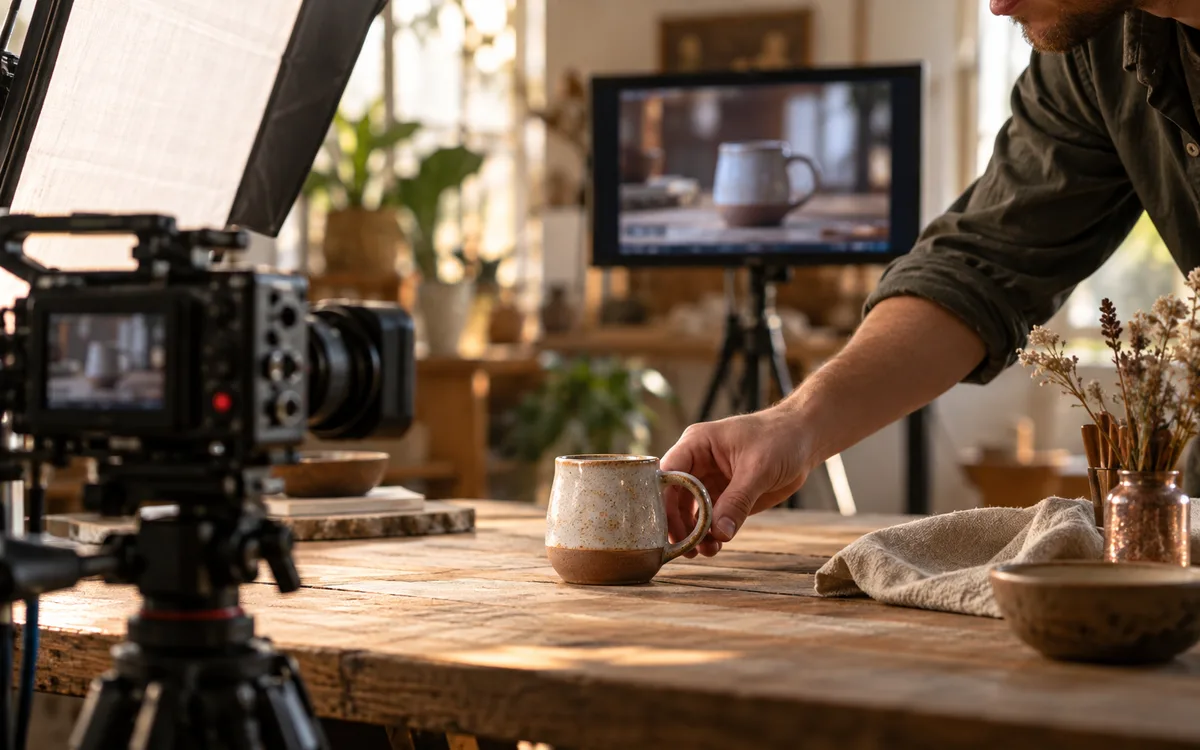
- Product detail: A locked camera frames a ceramic mug on a wooden desk. A hand slowly turns the mug a quarter turn, then holds it still.
- Food close-up: In a close view, steam drifts above a bowl of soup. The camera stays still while light catches the rising steam.
- Character beat: A medium shot shows a cyclist fastening a helmet, looking toward the road and pausing before departure.
- Environmental motion: A wide shot of an empty greenhouse. Hanging leaves sway gently while afternoon light falls across the floor.
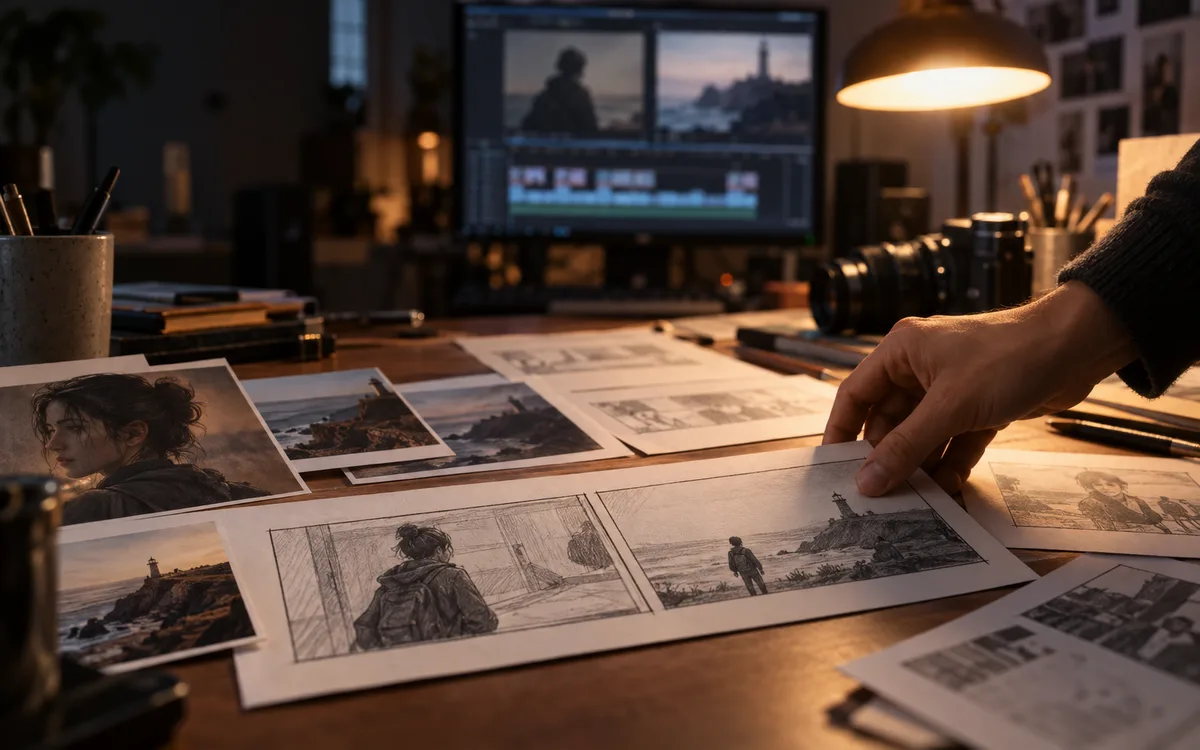
- Reveal: The camera slowly moves sideways past a doorway, revealing a desk covered in paper sketches. The movement ends with the desk centered.
- Simple transition: A close-up of a paintbrush crossing a sheet of paper from left to right. The colored stroke fills the frame at the end.
Change one variable between attempts
Runway recommends building simple prompts and adding details incrementally; for Gen-4 it also recommends describing the desired action positively rather than relying on negative instructions. Our practical extension is to keep a short attempt log. Save the prompt, model version, input image, output settings and what changed. If you rewrite the action, camera and style simultaneously, you cannot tell which change helped. Start with the most important failure and revise only the part of the brief related to it.
- Attempt A establishes the simplest action.
- Attempt B changes only camera movement or framing.
- Attempt C keeps the stronger version and adjusts the timing description.
Judge the whole clip, not the best frame
A convincing thumbnail can hide an unusable sequence. Watch the beginning, middle and end at normal speed, then inspect the moment where an object turns, touches another object or leaves the frame. Our suggested review separates essential failures from imperfections the edit can tolerate. A brief background detail may accept a minor texture change; a close-up selling a specific product may not. Decide this before generating so you do not keep moving the goalposts after spending credits.
- Does the subject keep its identity through the action?
- Do hands, object edges and contact points behave consistently enough for this shot?
- Can you cut into and out of the clip without hiding the essential action?
- Does the actual output match the framing and format needed by your edit?
- Frame 1 to Frame 30 boundary check: Does the object hold its structural shape?
- Limb and finger stability: Do hands avoid vanishing into surfaces or sprouting extra joints?
- Camera track fidelity: Does the background perspective shift naturally without warping?
- Lighting consistency: Do cast shadows stay locked to moving objects?
- Cut-point cleanliness: Can an NLE editor transition cleanly into the head or tail of the clip?
When another prompt is the wrong fix
If several attempts miss the same essential action, change the shot design instead of adding more instructions. Split two actions into two clips, reduce a large camera move or choose an input image with clearer separation between the subject and background. This is an editorial troubleshooting method, not a claim about model internals. If the brief needs a precise logo, readable copy or a specific product detail, consider adding that element with an editing tool rather than relying on generation to preserve it.
Turn useful takes into an actual edit
Name accepted clips by their role in the story, such as opening, detail or closing. Keep rejected attempts in a separate folder with a short reason so the next session starts from evidence rather than memory. Assemble a rough sequence before polishing every shot. The edit may reveal that a technically attractive clip adds nothing, or that a shorter section of a flawed take is exactly what you need. Recheck sound, transitions, captions and the final crop at the destination size.
Before using a clip commercially
Check the current terms for the generation service and the rights to your input materials. A paid subscription is not a substitute for reviewing those terms. Keep the relevant license or permission record with the project and avoid implying that a person or brand endorsed a fabricated scene. If a client requests evidence of how an asset was created, your saved brief, source materials and attempt log will be more useful than an unsupported claim that the output is fully cleared. You can verify published model pricing and provider rates in our AI video models directory.
Try this next
Have a clear shot brief? Use it to compare platforms instead of choosing from their demo reels. Read MiniMax vs Seedance vs Higgsfield: choose for your next shot. For the latest research on maintaining continuity across longer AI videos, see Google’s four-system approach to long-form video.
Sources & further reading
Primary sources checked Sep 20, 2026. Vendor statements are attributed; editorial advice is our own.
- 1
- 2
Help us keep this useful. Send a correction or a primary source →